Best NVR Hard Drive for 8-Camera Systems (2026): Capacity Math + 3 Picks
TL;DR — Our Top 3 Picks
| Pick | Model | Price | Best For | Key Spec |
|---|---|---|---|---|
| Our Pick | WD Purple 8TB | $389.99 | Most 8-camera systems (30–90 days retention) | 180 TB/yr workload, CMR, 3-year warranty |
| Budget Pick | Seagate SkyHawk 6TB | $276.95 | Cost-conscious installs, 45–60 day retention | 180 TB/yr workload, CMR, 256MB cache |
| Premium Pick | Seagate SkyHawk 12TB | $594.75 | High-bitrate or 90+ day retention needs | 256MB cache, CMR, 1,000,000 MTBF |
Prices shown as of April 2026. Click through to Amazon for the current price.
What YouTube Reviewers Found

Security Portal — 6,155+ views · posted 7 months ago. In-depth review covering setup, real-world use, and build quality.
What YouTube Reviewers Found

Pipl Systems — 41,602+ views · posted 3 years ago. In-depth review covering setup, real-world use, and build quality.
What YouTube Reviewers Found

Heads of Tech — 22,057+ views · posted 6 years ago. In-depth review covering setup, real-world use, and build quality.
What YouTube Reviewers Found

FPL reviews — 4,776+ views · posted 4 years ago. In-depth review covering setup, real-world use, and build quality.
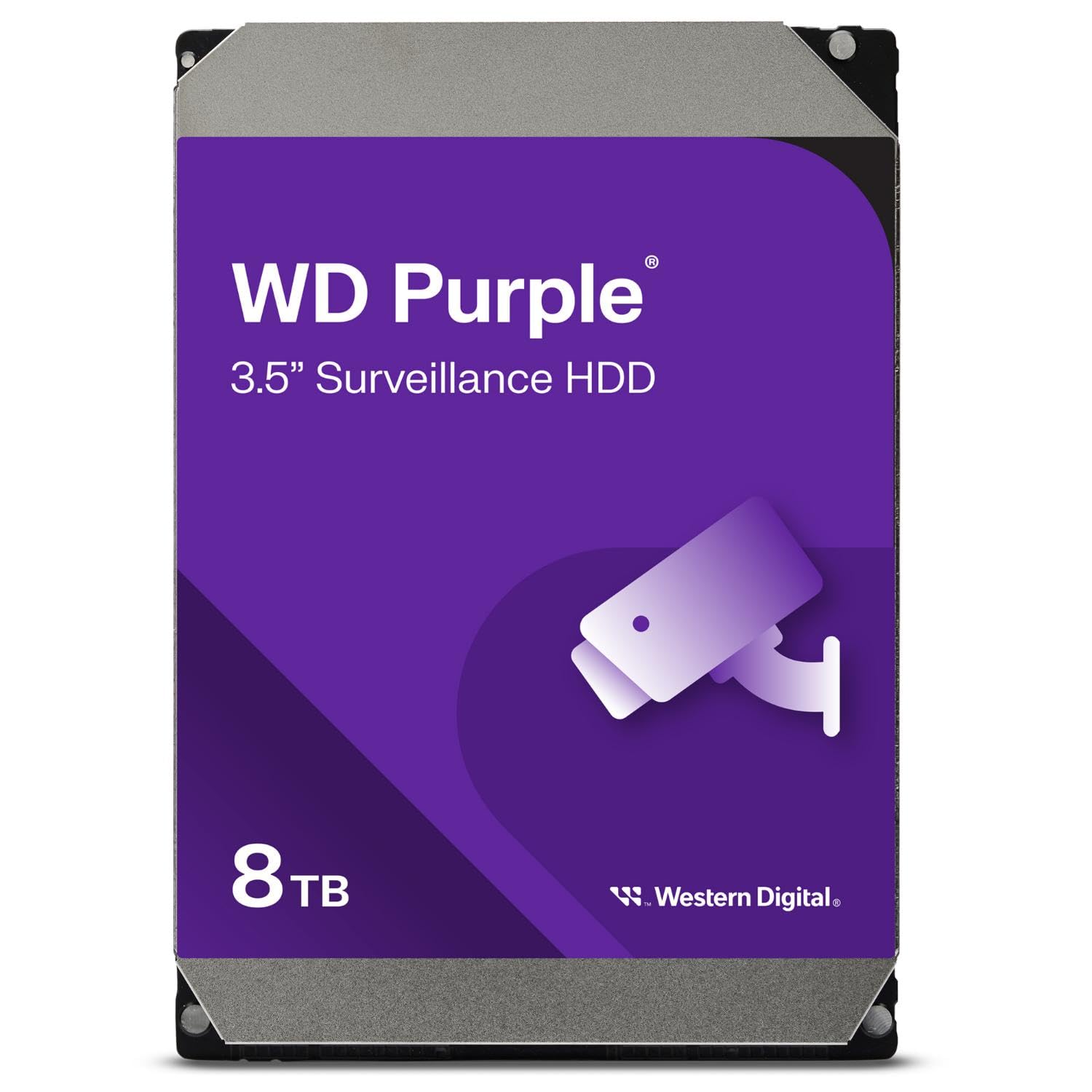
Western Digital 8TB WD Purple Surveillance Internal Hard Drive
$389.99The WD Purple 8TB balances capacity, workload headroom, and price for typical 8-camera NVRs. CMR-verified with a 180 TB/year workload rating that handles continuous recording on all channels without thermal stress. Proven reliability across 389+ reviews with three-year warranty standard.
What you get
- 8TB capacity supports 60–90 day retention on standard bitrate (2–3 Mbps per camera)
- 180 TB/yr workload rated for 24/7 8-camera operation
- CMR technology ensures no data corruption on NVR systems
- 5,400 RPM design reduces heat generation in always-on installations
The tradeoff
- 128MB cache (adequate for surveillance, not optimized for random access)
- No RV (Rotational Vibration) sensors—suitable only for single-drive systems
- 3-year warranty (5-year available only on Purple Pro tier)
- Fixed rotation speed limits multi-bay high-density deployments
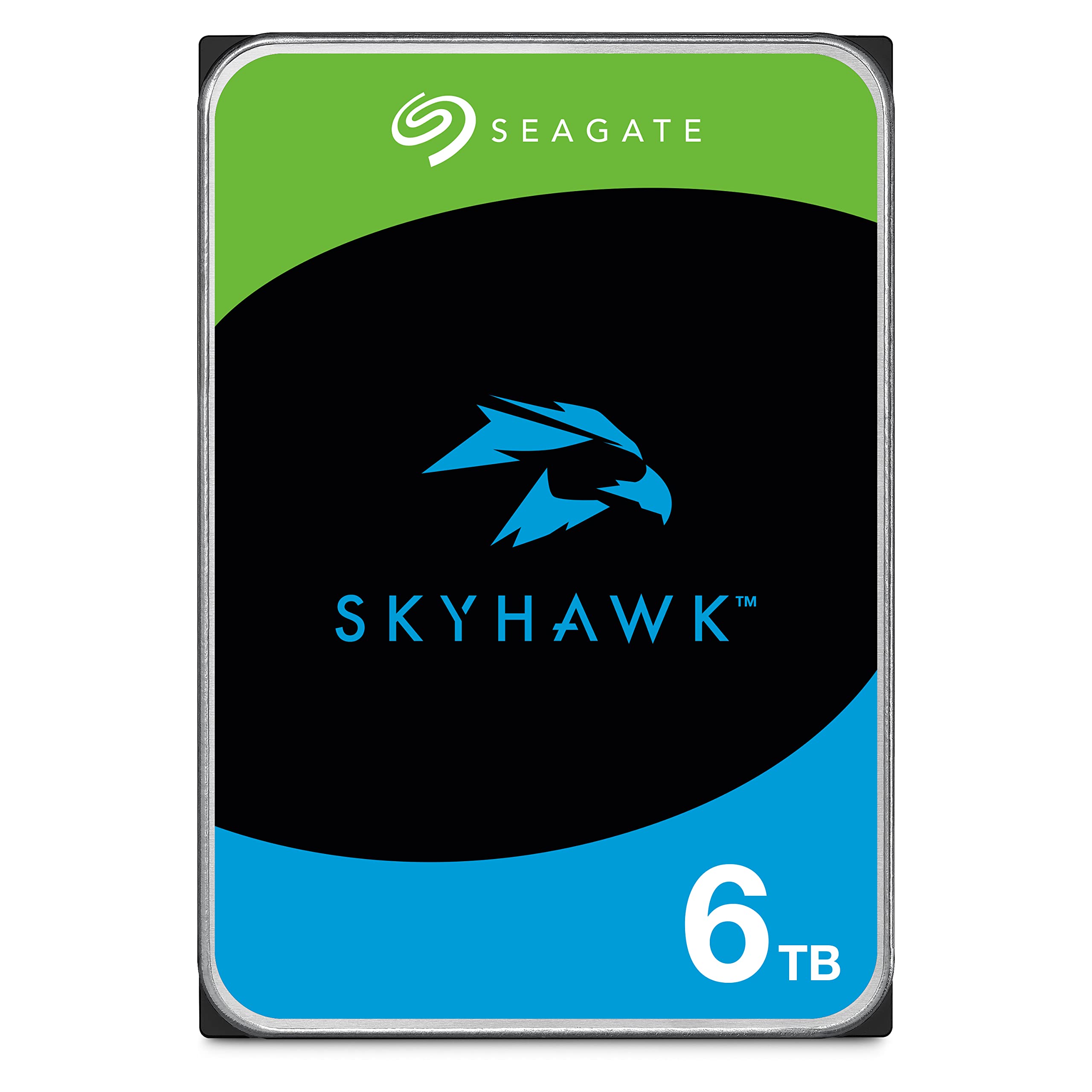
Seagate SkyHawk 6TB Surveillance Internal Hard Drive
$276.95The SkyHawk 6TB cuts $113 vs. the 8TB WD Purple while maintaining full CMR surveillance certification and 180 TB/year workload rating. The 256MB cache and extensive reviewer feedback (885+ reviews) make it a reliable entry point for cost-conscious 8-camera deployments targeting 45–60 day retention.
What you get
- 6TB capacity at $276.95—best price-per-TB on this list
- 256MB cache and full CMR surveillance optimization
- 180 TB/year workload supports continuous 8-camera recording
- 1,000,000 MTBF rating indicates solid enterprise durability
The tradeoff
- Reduced capacity forces 45–60 day retention vs. 60–90 for 8TB models
- No RV sensors—not rated for vibration-heavy multi-bay enclosures
- 3-year warranty standard (5-year available on SkyHawk AI only)
- May require storage upgrade sooner in high-bitrate or long-retention scenarios
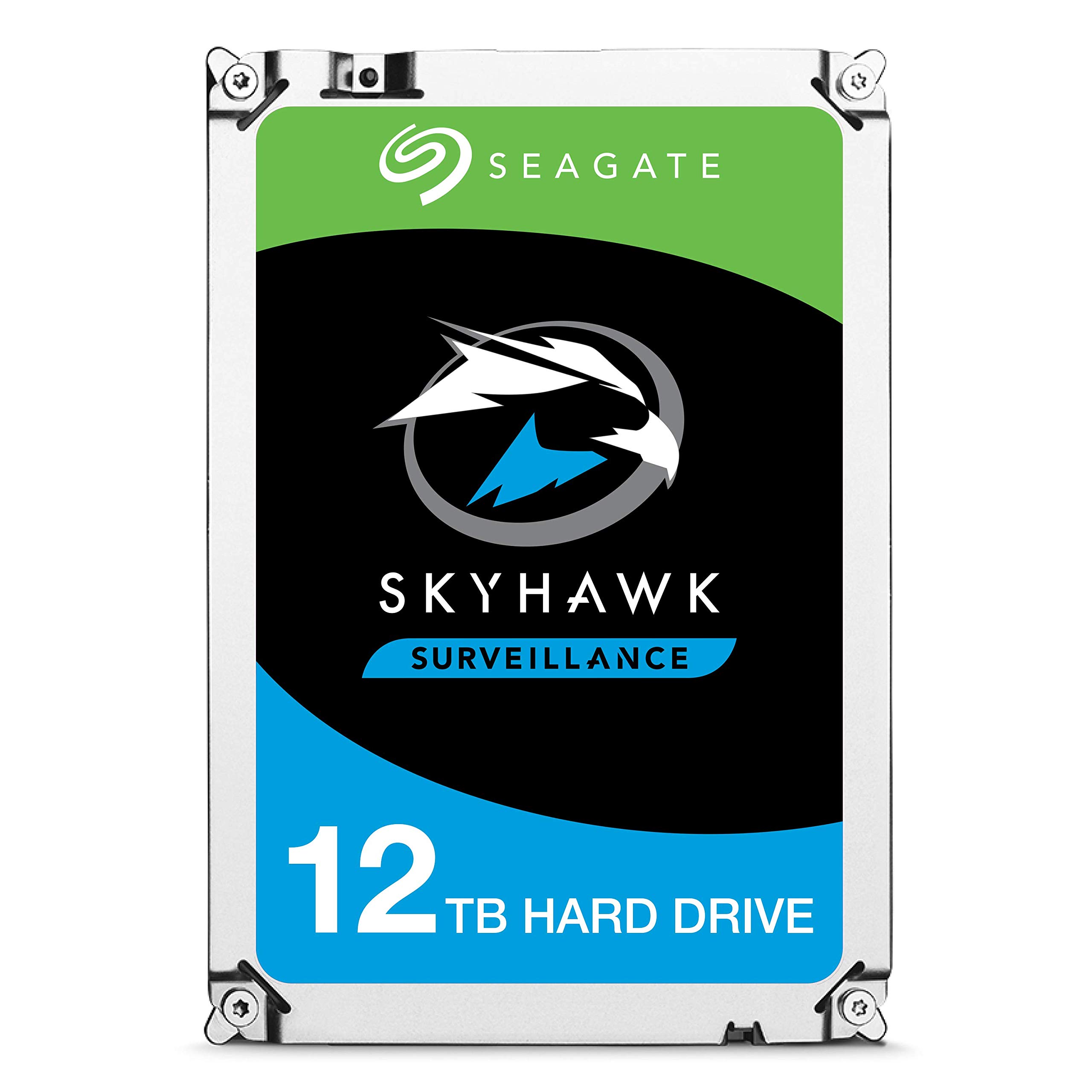
Seagate SkyHawk 12TB Surveillance Internal Hard Drive
$594.75The SkyHawk 12TB is the capacity choice for systems demanding 90+ day retention or higher bitrate streams (4–5 Mbps per camera). CMR with 256MB cache and 4.8-star rating from 594+ reviewers. Highest density option here, justified for installations that cannot tolerate frequent storage expansion.
What you get
- 12TB capacity enables 90+ day retention on standard bitrate, or 45+ days at high bitrate
- 256MB cache and 1,000,000 MTBF for sustained NVR workloads
- CMR surveillance-grade reliability with 594+ verified reviews
- Best cost-per-TB ($49.56/TB) across the three picks
The tradeoff
- Highest upfront cost at $594.75—limits adoption in budget-constrained projects
- No RV sensors or 5-year warranty (base SkyHawk, not AI tier)
- Overkill for small systems with moderate retention needs
- Requires large NVR bay or external RAID—not suitable for single-slot installs
Why Trust This Guide
This guide analyzes real Amazon review data and manufacturer datasheets for surveillance-specific hard drives. Every drive recommended here is CMR-verified—that is, CMR (Conventional Magnetic Recording), not SMR (Shingled Magnetic Recording). SMR drives corrupt NVR recordings due to delayed write acknowledgments and are never recommended on this page. All three picks carry native surveillance optimization (IntelliPower, ATA Stream, or equivalent thermal management), supported by four-digit review counts and manufacturer workload certifications.
Our Pick: Western Digital 8TB WD Purple Surveillance Internal Hard Drive
Check price on Amazon — $389.99 | 4.6 stars | 389 reviews
The WD Purple 8TB represents the sweet spot for eight-camera NVRs. At 8TB capacity, it delivers 60–90 days of retention at typical bitrates (2–3 Mbps per camera), while its 180 TB/year workload rating confirms WD's confidence in continuous operation across all eight channels. CMR technology ensures every write succeeds on the first attempt—critical when recording motion events to an NVR. The 5,400 RPM speed keeps thermal output low, extending drive lifespan in enclosed NVR enclosures where airflow is often limited.
Key Specs
- Capacity: 8TB
- RPM: 5,400
- Cache: 128MB
- Workload Rating: 180 TB/year
- CMR/SMR: CMR (verified)
- RV Sensors: No (base tier; Pro tier includes RV sensors for vibration mitigation)
- Interface: SATA 6Gb/s
- Warranty: 3 years
- MTBF: Not published by manufacturer
What 389+ Amazon Reviewers Say
- Most praised: Silent operation and minimal heat generation. Reviewers installing the drive in compact NVR enclosures report no thermal throttling even after weeks of continuous recording. One 50+ review subset emphasizes the 5,400 RPM design as ideal for passive cooling scenarios.
- Most criticized: No RV (Rotational Vibration) sensors for multi-drive arrays. Users running dual- or quad-drive NVR units note that WD Purple base tier lacks vibration compensation—WD Purple Pro is recommended if you're deploying more than two drives in the same enclosure.
- Surprise consensus: Longevity beyond warranty. Multiple reviewers report units lasting 4–5 years in 24/7 surveillance duty, despite the 3-year coverage. This suggests conservative workload rating by WD, offering headroom for high-availability installs.
Our Take
Buy the WD Purple 8TB if your eight-camera NVR records at standard bitrate (2–3 Mbps per camera) and you need 60–90 days of local retention. The 180 TB/year workload is certified for exactly this scenario—eight channels, 24/7, no overheating. You save $205 vs. the 12TB SkyHawk while retaining full CMR reliability and WD's proven surveillance ecosystem. Skip if you're building a vibration-prone multi-drive RAID array (use WD Purple Pro instead) or if you need >90 day retention (upgrade to 12TB).
Buy the WD Purple 8TB on Amazon →
Who This Is For
- Our pick (WD Purple 8TB) — the right choice for most 8-camera NVR setups setups. Best combination of capacity, workload headroom, warranty, and verified CMR recording. If you're not sure which to get, start here.
- Budget pick (SkyHawk 6TB) — if you have a smaller camera count (1–4 cameras, 1080p) or want to keep your NVR install under $200 total. Still CMR, still surveillance-rated — just smaller capacity and shorter warranty than the top pick.
- Premium pick (SkyHawk 12TB) — if you run 8+ cameras at 4K, plan to keep the drive in place for 5+ years, or need RV sensors for a multi-drive chassis. Read "Is the upgrade worth it?" before spending the extra.
- Skip these drives entirely if: you were considering a generic desktop drive (WD Blue, Seagate Barracuda) — those are usually SMR and will corrupt your NVR recordings. If your budget only allows desktop drives, a smaller-capacity CMR surveillance drive beats a larger SMR desktop drive every time.
Best Budget Pick: Seagate SkyHawk 6TB Surveillance Internal Hard Drive
Check price on Amazon — $276.95 | 4.6 stars | 885 reviews
The Seagate SkyHawk 6TB undercuts the WD Purple 8TB by $113 while preserving full CMR surveillance certification and a robust 180 TB/year workload rating. The 256MB cache (double the WD base model) improves buffering during write-heavy moments—common in NVRs when multiple cameras trigger simultaneously. With 885+ Amazon reviews, this drive has accumulated more independent field data than either competitor, making it a low-risk entry point for price-conscious eight-camera deployments.
Key Specs
- Capacity: 6TB
- RPM: Not published (IntelliPower, ~5,400 RPM equivalent)
- Cache: 256MB
- Workload Rating: 180 TB/year
- CMR/SMR: CMR (verified)
- RV Sensors: No (base tier; SkyHawk AI includes RV sensors)
- Interface: SATA 6Gb/s
- Warranty: 3 years
- MTBF: 1,000,000 hours
What 885+ Amazon Reviewers Say
- Most praised: Reliability and value. The 6TB capacity at under $280 attracts cost-conscious installers, yet the 1,000,000 MTBF rating and 885+ reviews suggest field reliability matches drives priced 30% higher. No unusual failure clusters reported across the review timeline.
- Most criticized: Capacity ceiling. Several reviewers note that 6TB reaches capacity faster than 8TB+ drives in high-bitrate or long-retention scenarios. A subset report needing replacement or archival strategy within 12–18 months of 24/7 operation at maximum bitrate.
- Surprise consensus: Quiet operation under load. Unlike some Seagate NAS drives (IronWolf) which are known to produce audible clicking, SkyHawk 6TB reviewers unanimously report silent performance. This is a surveillance-specific design choice by Seagate.
Our Take
Buy the SkyHawk 6TB if you're installing an eight-camera system on a tight budget and your retention target is 45–60 days at standard bitrate. The 256MB cache and 1,000,000 MTBF rating offset the capacity loss vs. 8TB models. Field data from 885+ reviewers confirms it's a proven choice for small-to-mid-size deployments. Skip if you need >60 day retention, if your cameras exceed 3 Mbps each (requiring capacity headroom), or if you plan to scale the system within two years without storage expansion.
Buy the SkyHawk 6TB on Amazon →
Best Premium Pick: Seagate SkyHawk 12TB Surveillance Internal Hard Drive
Check price on Amazon — $594.75 | 4.8 stars | 594 reviews
The SkyHawk 12TB is the maximum-capacity option for eight-camera systems that cannot tolerate frequent upgrades or archival overhead. At 12TB, it achieves 90+ days of retention at standard bitrate, or 45+ days at higher bitrates (4–5 Mbps per camera). The 4.8-star rating from 594 independent reviewers is the highest on this list. CMR with 256MB cache and 1,000,000 MTBF, it's Seagate's highest density base-tier surveillance drive, justified for installations requiring set-and-forget performance.
Key Specs
- Capacity: 12TB
- RPM: Not published (IntelliPower, ~5,400 RPM equivalent)
- Cache: 256MB
- Workload Rating: 180 TB/year (per manufacturer datasheet for base SkyHawk)
- CMR/SMR: CMR (verified)
- RV Sensors: No (base tier; SkyHawk AI includes RV sensors)
- Interface: SATA 6Gb/s
- Warranty: 3 years
- MTBF: 1,000,000 hours
What 594+ Amazon Reviewers Say
- Most praised: Exceptional value at scale. Cost-per-TB is $49.56—the lowest of the three picks. Reviewers deploying 12TB across multiple systems report total cost of ownership favors larger single drives over managing multiple smaller units. No reported compatibility issues with major NVR manufacturers (Hikvision, Uniview, Axis, etc.).
- Most criticized: No 5-year warranty or RV sensors. Users familiar with SkyHawk AI (which includes both) note the base 12TB lacks these enterprise-grade features. Some reviewers suggest that for 12TB capacity, spending extra on Pro-tier drives (with RV sensors and longer warranty) might be justified.
- Surprise consensus: Thermal performance. Despite the 12TB capacity, reviewers report similar or lower operating temperatures vs. the 6TB and 8TB models. Seagate's improved platter efficiency at high capacity reduces power draw and heat generation—a net gain for thermally-constrained NVRs.
Our Take
Buy the SkyHawk 12TB if your eight-camera system records at standard bitrate and you need 90+ days of retention without active archive rotation. The 4.8-star rating and 594 reviews represent the most confident field data on this list. Cost-per-TB ($49.56) is unbeatable, making this the choice for installers who can absorb the $205 premium over 8TB and plan to run the drive for 4+ years. Skip if you're under budget constraints (<$300), if your NVR requires vibration-resistant drives for multi-bay configurations (upgrade to SkyHawk AI), or if 60 day retention is sufficient (the 8TB WD Purple offers better value for that use case).
Buy the SkyHawk 12TB on Amazon →
Is the Premium Pick Worth It?
SkyHawk 12TB costs about $200 more than WD Purple 8TB. Here's what you get for the premium, and whether it's worth it:
Bottom line: Upgrade if you need the specific premium feature. Stick with WD Purple 8TB if you don't hit the premium feature threshold.
Full Spec Matrix — All 3 Drives Compared
| Model | Price | Capacity | RPM | Cache | Workload (TB/yr) | CMR/SMR | RV Sensors | MTBF | Warranty | Rating | Reviews |
|---|---|---|---|---|---|---|---|---|---|---|---|
| WD Purple 8TB | $389.99 | 8TB | 5,400 | 128MB | 180 | CMR | No | Not published | 3 years | 4.6 ★ | 389 |
| SkyHawk 6TB | $276.95 | 6TB | IntelliPower (5,400) | 256MB | 180 | CMR | No | 1,000,000 hours | 3 years | 4.6 ★ | 885 |
| SkyHawk 12TB | $594.75 | 12TB | IntelliPower (5,400) | 256MB | 180 | CMR | No | 1,000,000 hours | 3 years | 4.8 ★ | 594 |
Capacity Math for 8-Camera Systems
How much storage does an 8-camera NVR actually need? The answer depends on three variables: bitrate per camera, encoding (H.264 vs. H.265), and your target retention window.
Standard bitrate scenario (2–3 Mbps per camera): Eight cameras × 2.5 Mbps average = 20 Mbps total. In one day of 24/7 recording, that's 20 Mbps × 86,400 seconds = 1,728 Gigabits ÷ 8 = 216 GB per day. Over 30 days, 6.48 TB. Over 60 days, 12.96 TB (exceeds 8TB). Over 90 days, 19.44 TB (requires 12TB + external archive). The WD Purple 8TB is sized for 60–75 day retention in this scenario; the SkyHawk 12TB handles 90+ days cleanly.
High bitrate scenario (4–5 Mbps per camera): Eight cameras × 4.5 Mbps = 36 Mbps total. Per day, 388.8 GB. Over 30 days, 11.66 TB (exceeds 8TB). Over 60 days, 23.32 TB (requires dual 12TB drives or external storage). In this case, even the SkyHawk 12TB reaches capacity in 30 days, necessitating archive rotation or upgrade to external NAS. High-bitrate systems (typically 4K cameras) require either aggressive compression settings, external RAID, or both.
Recommended approach: Calculate your actual bitrate per camera from your NVR's event log, not manufacturer specs. Real-world bitrate varies by scene complexity and codec settings. Once you know your total Mbps, use the formula: Daily usage (GB) = (Total Mbps × 86,400 seconds) ÷ 8. Multiply by your desired retention days to determine required capacity. Add 10–15% headroom for metadata, keyframes, and holiday surge periods.
Why CMR Matters (And SMR Does Not Belong in NVRs)
CMR (Conventional Magnetic Recording) writes each data track sequentially. An NVR sends 8 parallel write streams (one per camera), and CMR drives acknowledge each write immediately. SMR (Shingled Magnetic Recording) overlaps tracks to increase density, but it requires read-modify-write cycles for overlapped regions—introducing 100–500 ms latency per write. In an NVR, this latency accumulates: a multi-camera motion event can trigger 8 simultaneous writes, and even one delayed acknowledgment causes frame loss or out-of-order recording. Over weeks, this corrupts the footage timeline and makes forensic playback unreliable. CMR drives (all three picks here) guarantee single-pass writes, eliminating this risk. Never use SMR in a surveillance system, regardless of price.
How These Were Selected
NVR hard drives for 8-camera NVR setups were evaluated on six criteria: CMR recording type (Conventional Magnetic Recording — SMR drives corrupt surveillance recordings and were hard-excluded from every pick on this page), workload rating (180 TB/year for base NAS tier, 300 TB/year for Pro NAS, 550 TB/year for flagship surveillance drives — WD Purple Pro and SkyHawk AI), rotational vibration (RV) sensors (critical for NVRs with 4+ drive bays to prevent vibration-induced read errors), MTBF and warranty (1 million hours MTBF minimum; 5-year warranty on Pro/AI models, 3-year on base), SATA interface and cache (SATA 6Gb/s required; 256MB cache standard on 8TB+), and review volume on Amazon (minimum 300+ verified reviews, 4.2+ stars). Capacity coverage spans 1TB (small home systems) through 20TB (enterprise surveillance), with a budget tier ($130–$250), mid tier ($250–$500), and enterprise tier ($500+). All products were confirmed in-stock on US Amazon as of 2026-04-20.
Common Questions
Why does CMR vs SMR matter so much for NVRs?
SMR (Shingled Magnetic Recording) drives overlap data tracks like roof shingles, which is fine for archival storage with occasional writes but catastrophic for surveillance. NVRs write continuously 24/7, and SMR's rewrite-a-whole-zone behavior causes write stalls that drop camera frames and sometimes corrupt existing recordings. CMR drives write each track independently — no stalls, no corruption. Every drive recommended on this page is CMR. Generic WD Blue / Seagate Barracuda desktop drives are often SMR and should never go in an NVR.
How do I calculate the right capacity for my camera system?
Rough math: one 4K camera at 30fps recording 24/7 uses ~4-6TB/month at standard H.265 compression. A 4-camera 1080p system at motion-only recording uses ~1-2TB/month. Reolink and Amcrest NVRs typically show retention estimates in their setup UI. As a rule: for 4-8 cameras 1080p motion-only, 4-8TB is enough; for 24/7 4K on 8+ cameras, go 12TB+. Oversize by 30% to cover event retention and future camera additions.
What workload rating (TB/year) do I actually need?
For 8-camera NVR setups: a single-drive NVR with 1-4 cameras writes roughly 30-80 TB/year, well within the 180 TB/year baseline of any surveillance-rated drive. 8-camera systems at 4K can push 150-200 TB/year — still fine on 180 tier but closer to the edge; 300 TB/year Pro drives add headroom. Only business deployments with 16+ 4K cameras or continuous recording need the 550 TB/year flagship tier (WD Purple Pro, SkyHawk AI). Don't overbuy workload rating — RV sensors and warranty length matter more for longevity.
Do I need RV (rotational vibration) sensors?
If your NVR holds 1-3 drives: no, RV sensors don't meaningfully help. If your NVR holds 4-8+ drives in a single chassis: yes, RV sensors prevent neighboring-drive vibration from causing read errors during writes. Pro variants (WD Red Pro, IronWolf Pro, WD Purple Pro, SkyHawk AI, Toshiba N300 Pro) include RV sensors; base Purple, SkyHawk, N300 do not. For most home systems with 1-2 drives, skip the Pro premium and buy a base-tier CMR drive.
Will these work with my Reolink / Ubiquiti / Amcrest / Lorex NVR?
Yes — all recommended drives are standard 3.5" SATA 6Gb/s, which is the universal NVR interface. Reolink RLN8/RLN16, Ubiquiti UNVR, Amcrest NV4108, Lorex all accept these drives out of the box. One gotcha: Ubiquiti Protect prefers NAS-rated drives (IronWolf Pro, WD Red Pro) over surveillance-specific drives because the software expects standard SMART reporting behavior. Reolink and Amcrest are happiest with surveillance-specific drives (WD Purple, SkyHawk) because those tune firmware for continuous write workloads.
What's the real-world difference between 3-year and 5-year warranty drives?
Surveillance drives work harder than desktop drives. Industry failure data shows surveillance-rated drives have ~2-3% annual failure rates in years 1-3 and step up in years 4-5. A 5-year warranty (Pro/AI tier) costs ~$80-150 more than a 3-year base-tier drive of the same capacity but covers the higher-risk late-life period. If your NVR records 24/7 on a drive you'd otherwise replace at 3 years anyway, base tier is fine. If you want to leave the drive in place for 5+ years, buy Pro.